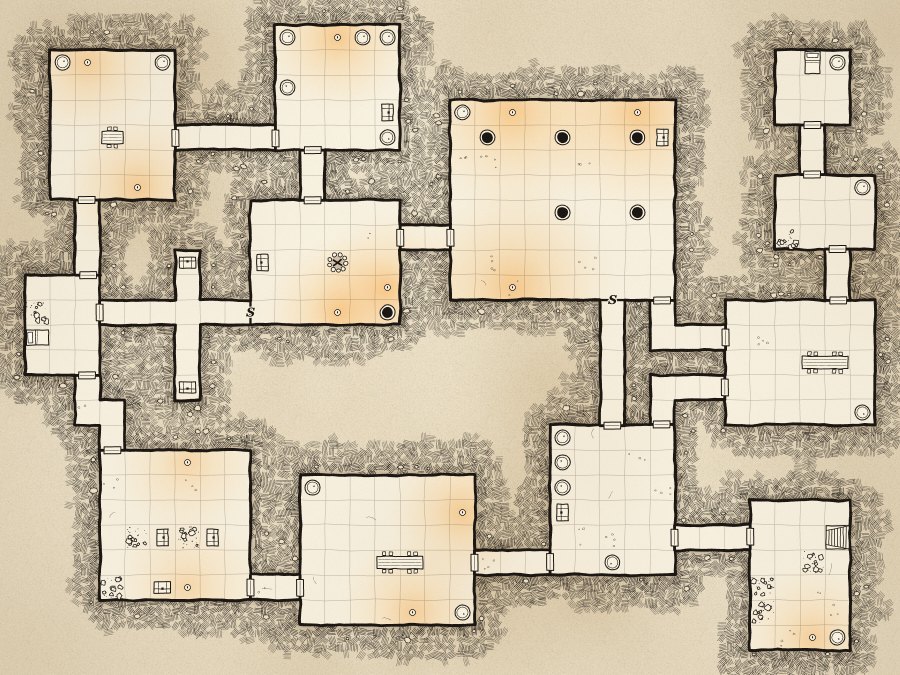
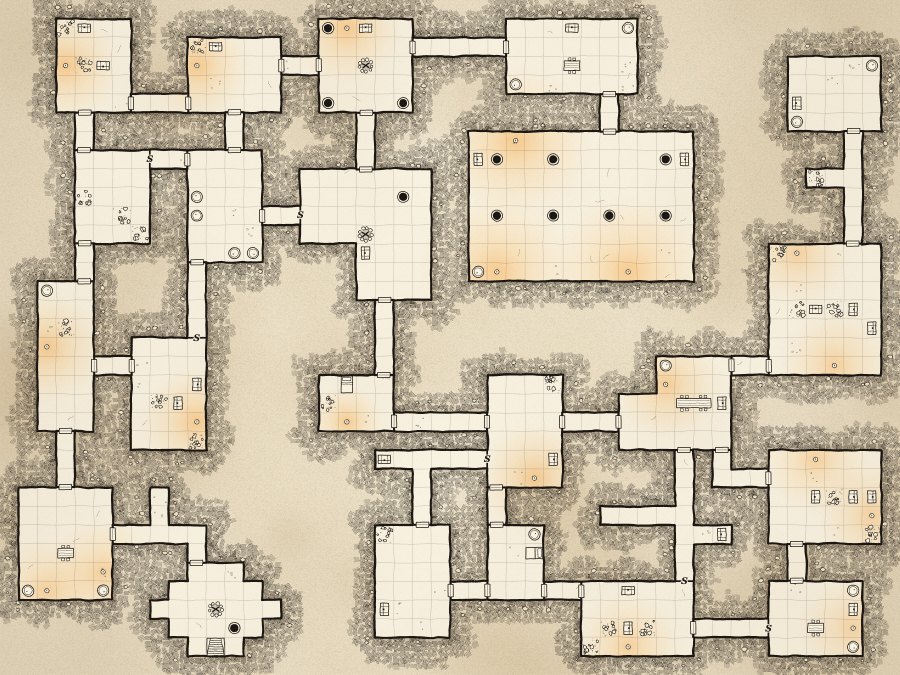
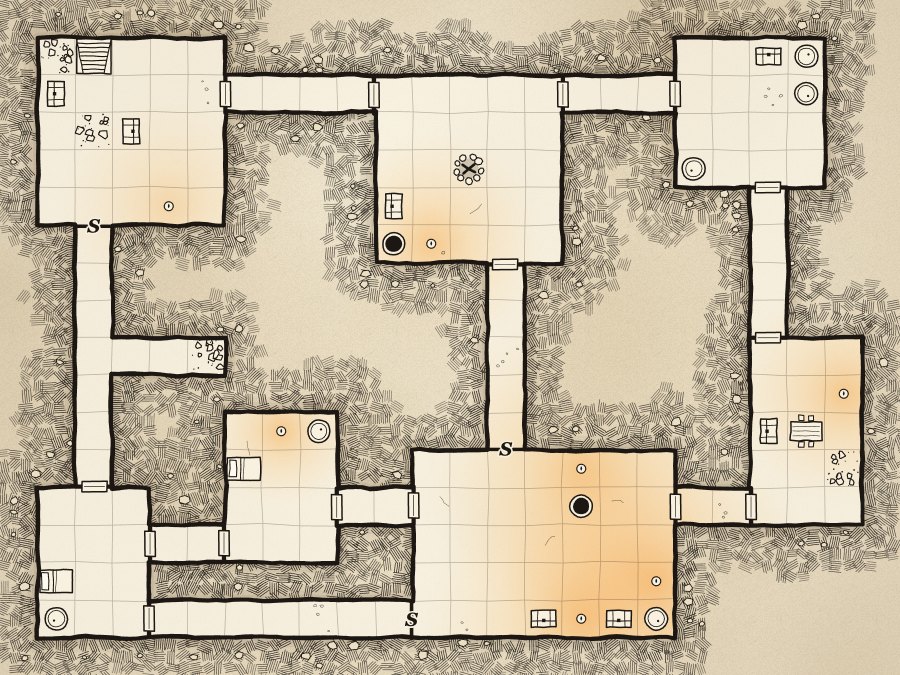
Ink & Torch makes a dungeon battle map in one click. It's free and you don't need an account.
Pick a size and press New map. Then download a PNG, or a .dd2vtt file with the walls, doors and torches already in.
Make a dungeon map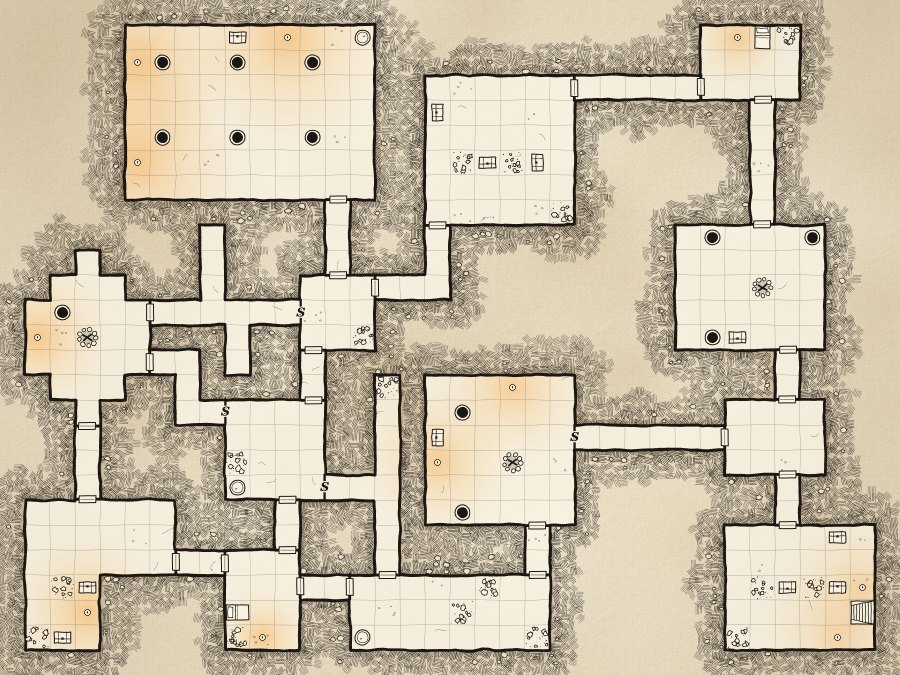
How it works
- Press New map. A dungeon draws itself on the page, rooms first, then corridors and doors.
- Don't like it? Press it again. Each map has a seed, and the same seed always gives the same map. So you can send a friend the link.
- Pick small, medium or large (24 x 18 up to 48 x 36 squares).
- Download a PNG at 70, 100 or 140 px a square, or a .dd2vtt for Foundry, Roll20 or Owlbear Rodeo.
Pro is $12 once. It adds room numbers with a written key and a print PDF at 1 inch squares. You also get extra large maps, dungeons two or three floors deep, and three more looks.