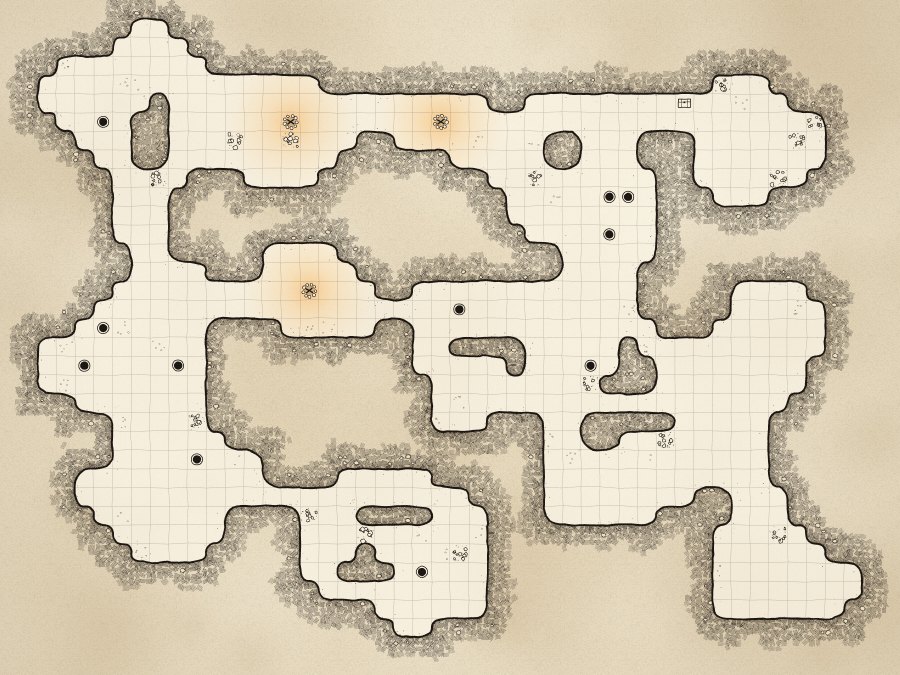
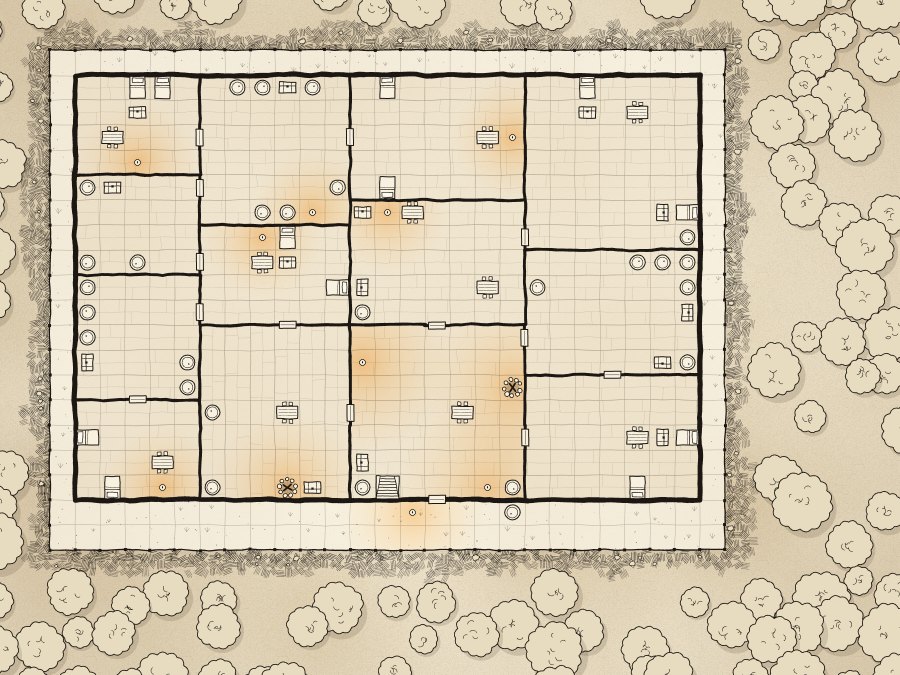
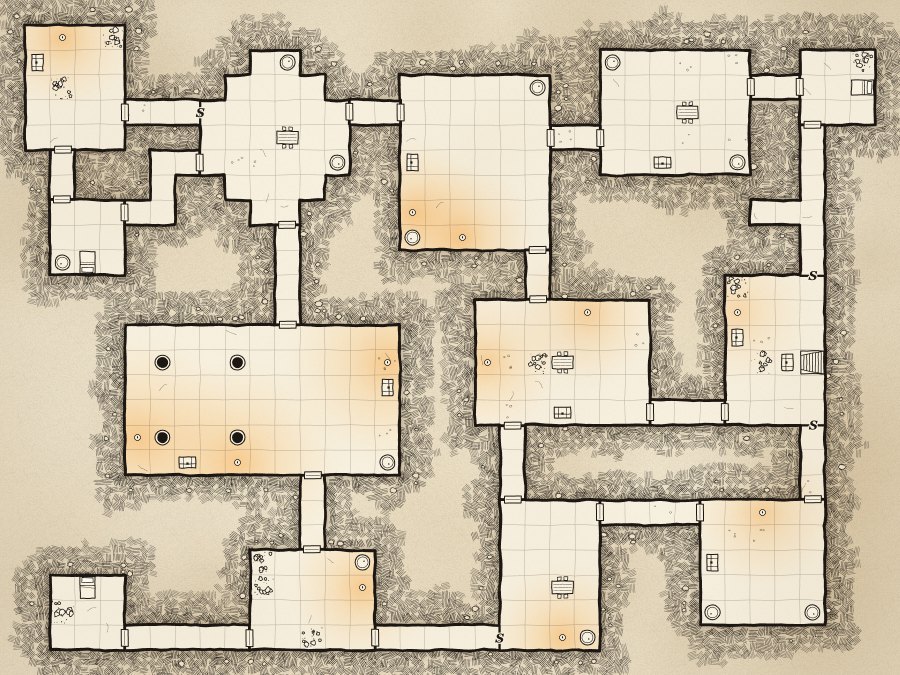
Download any map here as a .dd2vtt, then upload it in Roll20 as a background. Roll20 puts the walls and doors on the Dynamic Lighting layer for you.
The maps are free and you don't need an account here. Nothing to trace by hand.
Make a map for Roll20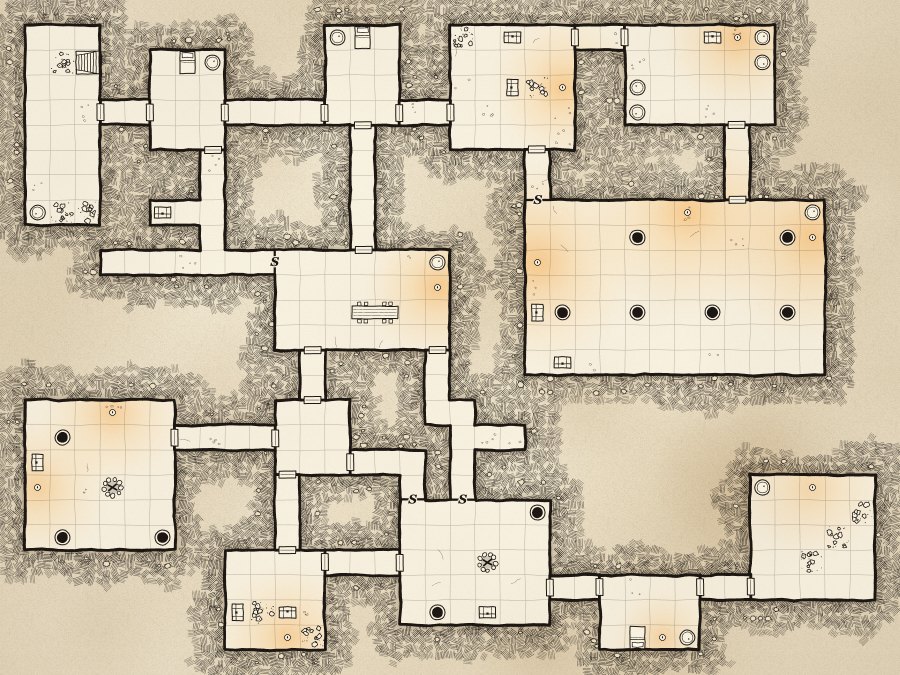
How it works
- Make a map and press VTT file. You get one .dd2vtt with the picture and every wall in it.
- In Roll20, choose Upload Background and pick that file.
- The picture goes on the Map layer. Walls, doors and torches go on the Dynamic Lighting layer.
- If the lighting looks off, check that Dynamic Lighting is on in the page settings.
Roll20's own steps are on their help page: Universal VTT support on Roll20.
Pro is $12 once. It adds room keys and more map types, and print PDFs at 1 inch squares.